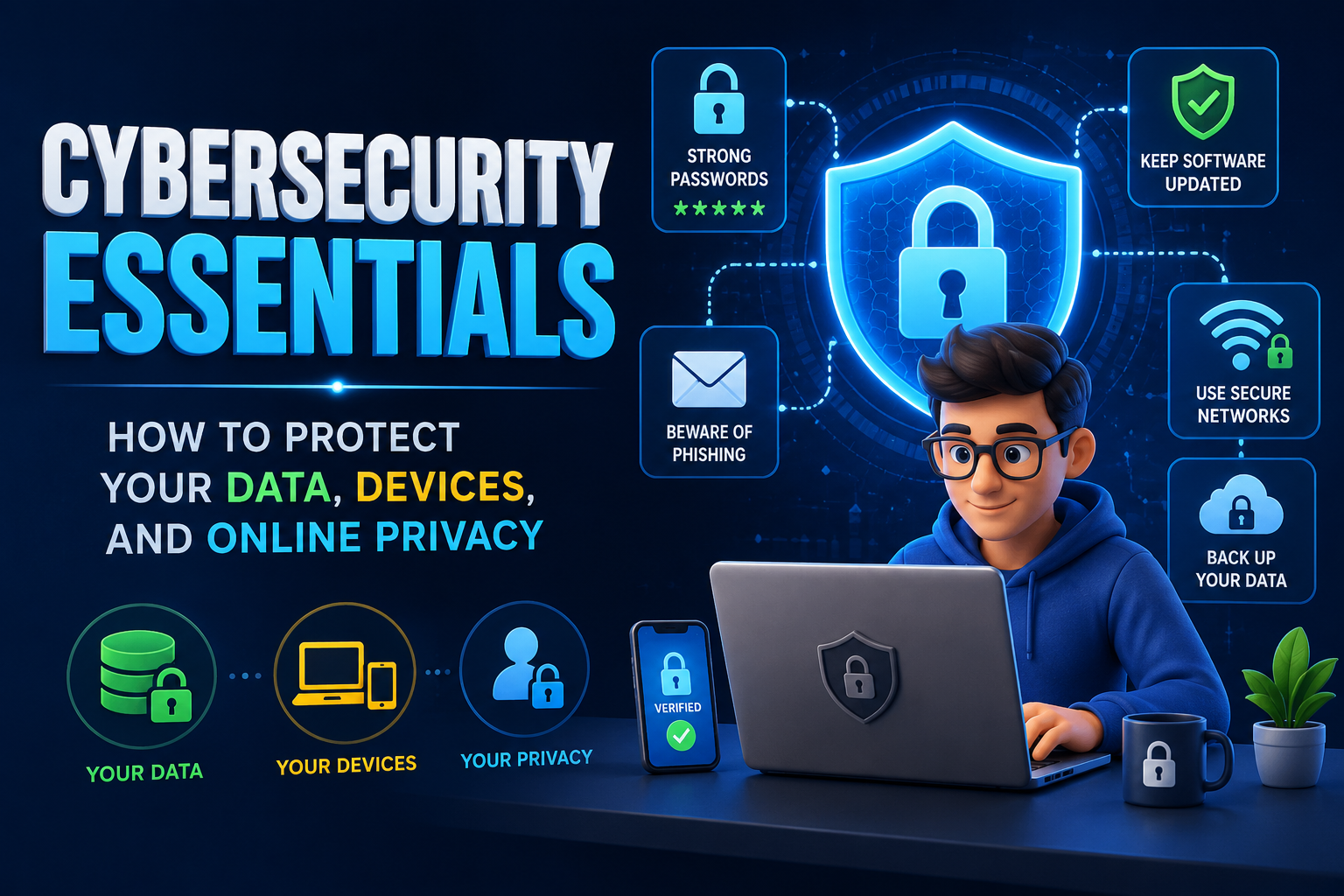
In today’s connected world, almost every aspect of our personal and professional lives depends on digital technology. We use smartphones, laptops, cloud storage, online banking, shopping websites, social media platforms, and business applications every day. While these technologies offer convenience and efficiency, they also create opportunities for cybercriminals to steal sensitive information, spread malware, and exploit security weaknesses. Cybersecurity is no longer a concern only for large organizations—it is essential for every internet user. By understanding basic cybersecurity principles and adopting safe online habits, individuals can significantly reduce the risk of identity theft, financial fraud, and data loss. This guide explains the essential cybersecurity practices that help protect your data, devices, and online privacy.
🔐 Understanding Cybersecurity
Cybersecurity refers to the practice of protecting computers, mobile devices, networks, online accounts, and digital information from unauthorized access, cyberattacks, and malicious software. Good cybersecurity combines technology, awareness, and responsible online behavior.
Cyber threats continue to evolve every year, making it important for users to stay informed about new risks and security practices. Even simple habits like creating strong passwords or updating software can prevent many common attacks.
🛡 Common Cyber Threats
Understanding common online threats helps you recognize suspicious activities before they become serious problems.
| Threat | Description |
|---|---|
| Phishing | Fraudulent emails or websites designed to steal personal information. |
| Malware | Malicious software that damages devices or steals data. |
| Ransomware | Locks files until a ransom payment is demanded. |
| Identity Theft | Criminals misuse personal information for fraud. |
| Password Attacks | Attempts to guess or steal login credentials. |
🔑 Create Strong and Unique Passwords
Passwords remain one of the most important layers of digital security. Weak passwords are easier for attackers to guess or crack using automated tools.
A strong password should contain a combination of uppercase letters, lowercase letters, numbers, and special characters. Avoid using birthdays, names, or simple words that others can easily guess.
Password Best Practices
- Use a different password for every account.
- Create passwords with at least 12 characters.
- Avoid predictable words or personal information.
- Use a trusted password manager if necessary.
- Change passwords immediately after a security breach.
📲 Enable Multi-Factor Authentication
Multi-factor authentication (MFA) adds an extra layer of security by requiring users to verify their identity using a second method, such as a mobile authentication app or one-time verification code.
Even if someone obtains your password, they are much less likely to access your account without the additional verification step.
💻 Keep Software and Devices Updated
Software updates often include important security patches that fix vulnerabilities discovered by developers. Delaying updates leaves devices exposed to known security risks.
Operating Systems
Install updates for Windows, macOS, Linux, Android, and iOS promptly.
Applications
Keep browsers, productivity software, and security tools fully updated.
Security Software
Update antivirus and firewall programs regularly.
🌐 Browse the Internet Safely
Many cyberattacks begin with unsafe browsing habits. Be cautious when clicking links, downloading attachments, or visiting unfamiliar websites.
Before entering sensitive information, confirm that the website uses a secure HTTPS connection and belongs to a legitimate organization.
Safe Browsing Tips
- Only download files from trusted sources.
- Avoid clicking suspicious advertisements.
- Verify website addresses carefully.
- Ignore unexpected pop-up warnings requesting downloads.
- Use reputable web browsers with security protections.
📧 Recognize Phishing Attempts
Phishing attacks attempt to trick users into revealing passwords, banking information, or personal details through fake emails, messages, or websites.
Be cautious of messages creating urgency, requesting confidential information, or containing unexpected attachments. When in doubt, contact the organization directly using official contact information.
☁️ Protect Your Personal Data
Personal information has significant value to cybercriminals. Share only the information necessary for legitimate purposes and review privacy settings on social media and online accounts regularly.
Encrypt sensitive files whenever possible and back up important documents to secure cloud storage or external drives.
📡 Secure Your Home Wi-Fi Network
Your home internet connection should be protected with strong encryption and a secure password. Change the default router password after installation and update router firmware regularly.
When using public Wi-Fi, avoid accessing sensitive financial accounts unless using a trusted and secure connection.
📂 Back Up Important Data
Regular backups protect valuable files from hardware failures, ransomware, accidental deletion, or cyberattacks. Store backups in multiple secure locations whenever possible.
Backup Best Practices
- Back up important files regularly.
- Use secure cloud storage.
- Maintain offline backups.
- Test backup restoration periodically.
⚠️ Common Cybersecurity Mistakes
- Using weak or repeated passwords.
- Ignoring software updates.
- Clicking suspicious email links.
- Downloading files from unknown websites.
- Sharing excessive personal information online.
- Connecting to unsecured public Wi-Fi.
- Ignoring backup procedures.
Conclusion
Cybersecurity is one of the most important responsibilities for anyone using digital technology. While cyber threats continue to become more sophisticated, many attacks can be prevented through simple but effective security habits. Strong passwords, multi-factor authentication, software updates, secure browsing, careful handling of personal information, and regular backups all contribute to a safer online experience. By staying informed and practicing responsible digital behavior, individuals and businesses can significantly reduce security risks while protecting valuable data, devices, and online privacy in an increasingly connected world.
Frequently Asked Questions
1. What is cybersecurity?
Cybersecurity is the practice of protecting computers, networks, online accounts, and digital information from cyber threats, unauthorized access, and malicious software.
2. Why should I use different passwords for each account?
Using unique passwords prevents attackers from accessing multiple accounts if one password is compromised.
3. What is phishing?
Phishing is a cyberattack that uses fake emails, websites, or messages to trick people into revealing sensitive information.
4. How often should I update my devices?
Install security updates as soon as they become available to protect against newly discovered vulnerabilities.
5. Is public Wi-Fi safe?
Public Wi-Fi can be risky because attackers may intercept data. Avoid accessing sensitive accounts on unsecured public networks whenever possible.