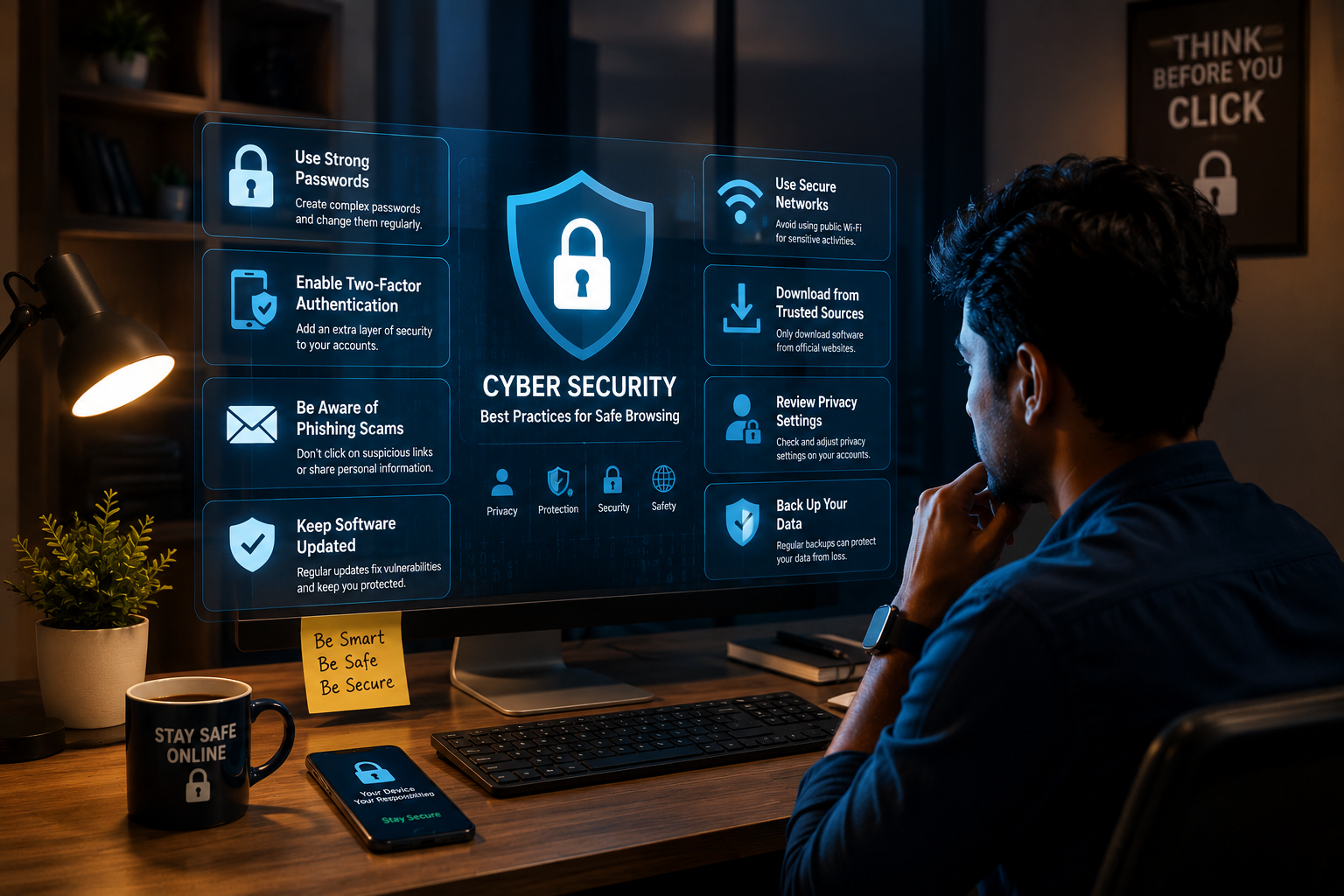
In today’s interconnected digital world, cybersecurity is no longer just a concern for IT departments or tech experts—it is a critical necessity for everyone.
From social media profiles and online banking to shopping apps and remote work tools, we store vast amounts of personal and financial information on the internet. Cybercriminals rarely target systems by breaking complex encryption; instead, they exploit simple human oversights and weak habits. Adopting a few basic online safety habits can drastically reduce your risk of falling victim to identity theft, financial fraud, or malware infections. Here are essential cybersecurity habits everyone should practice daily.
1. Use Strong, Unique Passwords and a Manager
Reusing the same simple password across multiple websites is like using one key for your home, car, and office—if a hacker breaches one site, they gain access to everything you own.
- Avoid Simple Patterns: Stop using predictable combinations like Password123, birthdays, or family names that can easily be guessed or cracked using automated tools.
- Adopt Passphrases: Create long passphrases combining 4–5 random words with numbers and special symbols (e.g., Blue#Coffee$Winter99!). Length is your strongest defense against password cracking.
- Use a Password Manager: Relying on your memory for dozens of unique credentials is impossible. A trusted password manager generates, stores, and autofills complex passwords securely under one master key.
2. Enable Two-Factor Authentication (2FA) Everywhere
Two-Factor Authentication (2FA) adds a crucial secondary barrier of protection. Even if a cybercriminal steals your password, 2FA prevents them from logging in without secondary authorization.
Enable 2FA on all sensitive accounts—especially your primary email address, financial portals, and social media profiles. Whenever possible, use an authenticator app (such as Google Authenticator or Microsoft Authenticator) or security keys instead of SMS text codes, which can be intercepted through SIM-swapping attacks.
3. Recognize and Avoid Phishing Scams
Phishing remains the most common entry point for cyberattacks. Attackers send fraudulent emails, text messages (smishing), or instant messages designed to trick you into revealing sensitive information or downloading malicious attachments.
Fake Urgency
Be cautious of messages threatening account suspension or demanding immediate payment. Scammers create artificial panic to stop you from thinking critically.
Verify Sender URLs
Hover over links before clicking to check the actual web address. Look for subtle misspellings in domain names designed to mimic legitimate brands.
Golden Rule of Online Safety: Legitimate banks, government agencies, and major service providers will never ask you to disclose your secret passwords, PINs, or 2FA codes via email or direct phone calls.
4. Keep Software, OS, and Apps Regularly Updated
Software update pop-ups are easy to ignore, but delaying updates leaves your devices vulnerable to known security flaws.
Cybercriminals actively scan the internet for unpatched software flaws to install ransomware or spyware. Turn on automatic updates for your smartphone operating system, laptop software, web browsers, and antivirus programs to ensure critical security patches are installed immediately.
5. Exercise Caution on Public Wi-Fi Networks
Free Wi-Fi networks at airports, coffee shops, and hotels are convenient, but they are inherently unencrypted and insecure. Hackers on the same network can intercept unencrypted data traffic or set up fake “rogue” Wi-Fi hotspots to steal credentials.
- Use a Virtual Private Network (VPN): A reliable VPN encrypts your internet traffic, preventing third parties on public networks from snooping on your online activities.
- Avoid Sensitive Operations: Refrain from logging into online banking accounts or entering credit card details while connected to unverified public Wi-Fi networks. Use your mobile data hotspot instead.
6. Practice Regular Data Backups & Mind Social Sharing
Protecting your data involves both physical safeguards and digital mindfulness.
The 3-2-1 Backup Strategy
Keep 3 copies of important files on 2 different media types, with 1 copy stored off-site (such as encrypted cloud storage) to recover easily from ransomware attacks.
Limit Oversharing
Avoid posting personal details like your home address, phone number, or full birth date on public social profiles, as scammers use these to answer security questions.
Conclusion: Security is a Continuous Habit
Effective cybersecurity does not require complex technical expertise—it simply requires consistent, mindful habits.
By establishing strong password management, enabling 2FA, staying alert against phishing scams, keeping devices updated, and protecting your data on public networks, you build a resilient defense around your digital life. Start strengthening your cybersecurity posture today by updating your primary passwords and enabling two-factor authentication across your accounts.