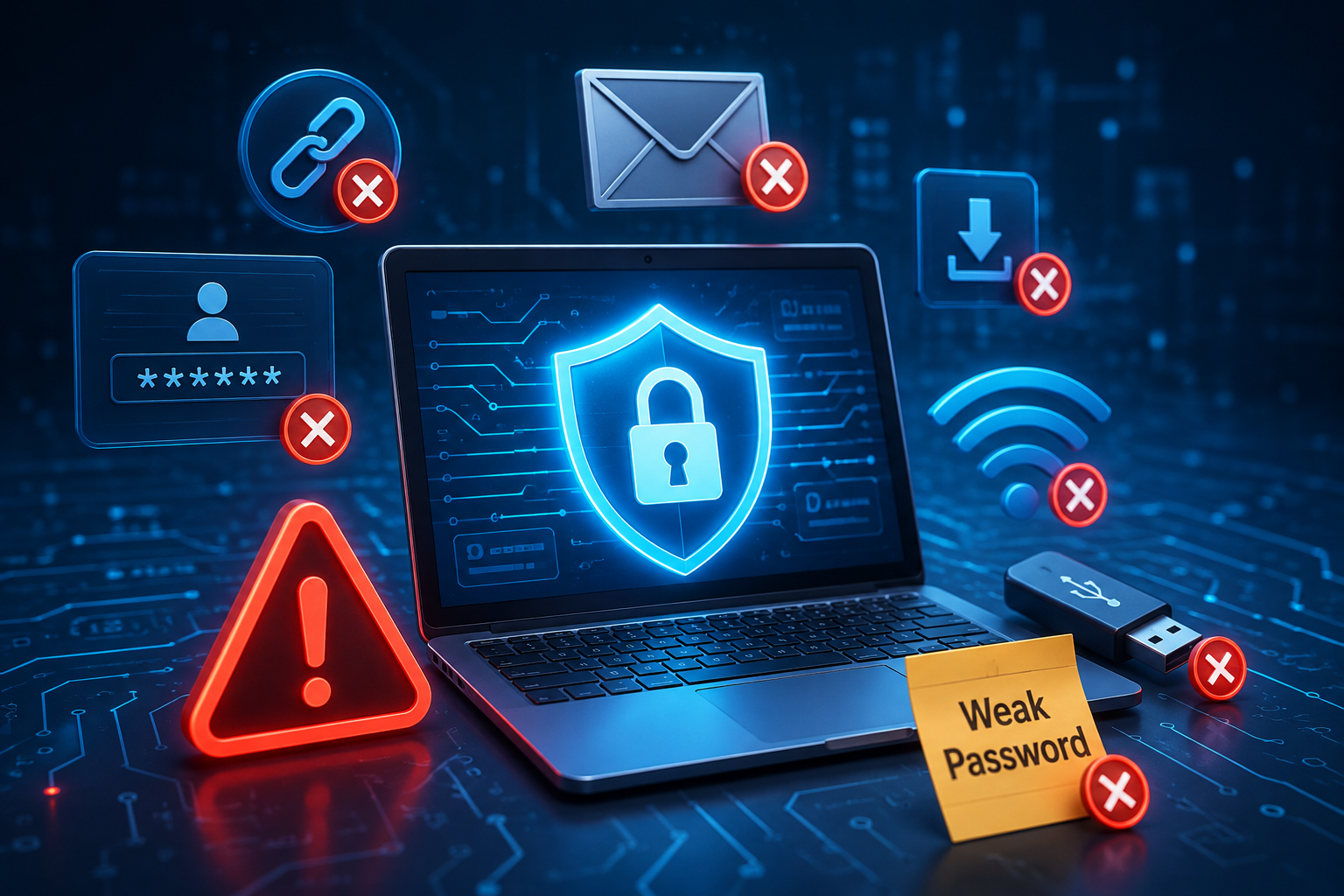
In today’s hyper-connected world, personal cybersecurity is no longer just an IT concern—it is an essential life skill. Every day, millions of people unwittingly leave themselves vulnerable to data theft, financial fraud, and identity compromise.
The most surprising aspect of digital security is that high-profile data breaches and account takeovers rarely occur because hackers possess supercomputer-level cracking abilities. Instead, most security compromises stem from simple, everyday human mistakes. Cybercriminals actively exploit habits like convenience, misplaced trust, and procrastination. Recognizing these common security traps—and knowing how to fix them—is the fastest way to build a resilient defense around your digital identity. Here are the most frequent cybersecurity mistakes people make and practical ways to avoid them.
1. Reusing Passwords Across Multiple Accounts
Using a single favorite password for your email, streaming services, online shopping profiles, and social media might feel convenient, but it creates a massive single point of failure.
When an obscure website suffers a data breach, hackers extract exposed email addresses and passwords. They then run automated scripts (a technique known as credential stuffing) to test those exact combinations across major platforms like banking sites and primary email providers. If you reuse credentials, one small breach exposes your entire digital presence.
The Common Mistake
Relying on one or two password variations (e.g., adding “123” or “2026” at the end) for every account you create online.
How to Avoid It
Adopt an encrypted password manager to generate and store randomized, unique passphrases for every single website automatically.
2. Ignoring Multi-Factor Authentication (MFA)
Relying solely on a password for account security is no longer enough. Passwords can be stolen through phishing emails, keylogger malware, or corporate data leaks.
Many users turn off Multi-Factor Authentication (MFA) because entering an extra verification code feels slightly inconvenient. However, bypassing MFA removes the most powerful security barrier available. Even if an attacker uncovers your password, MFA prevents them from logging in without secondary hardware verification.
- Enable MFA on Critical Accounts: Prioritize enabling MFA on your primary email, financial portals, password manager, and social media profiles.
- Ditch SMS for Authenticator Apps: SMS text codes are vulnerable to SIM-swapping attacks. Use authenticator apps (like Google Authenticator or Authy) or physical hardware keys for secondary codes.
3. Falling for Phishing Links and Social Engineering
Phishing remains the single most successful attack vector used by cybercriminals worldwide. Instead of breaking software code, attackers trick human beings into surrendering confidential information voluntarily.
False Urgency
Panicking when an email claims your bank account will be suspended within 24 hours unless you click a link and verify details immediately.
Safe Verification
Never click direct links in unexpected alerts. Open a separate browser tab, navigate to the official website manually, or call customer support.
4. Delaying Software Updates and Operating System Patches
Clicking “Remind Me Tomorrow” on software update pop-ups is a habit shared by millions. However, postponing updates leaves your computer and smartphone exposed to known security vulnerabilities.
Software updates are not just about cosmetic design changes or new features; they frequently contain critical security patches. When developers discover a security flaw, they release a patch. Cybercriminals study these patches to build exploit tools targeting users who haven’t updated yet.
- Turn On Automatic Updates: Configure your smartphone, laptop operating system, web browsers, and apps to download and install security updates automatically.
- Restart Devices Regularly: Many security patches require a full system restart to take effect properly. Make it a habit to reboot your devices weekly.
5. Conducting Sensitive Business on Unsecured Public Wi-Fi
Free public Wi-Fi networks in airports, hotels, and cafes are convenient, but they are inherently unencrypted and public.
When you connect to an open Wi-Fi network without protection, anyone else on that same network can intercept unencrypted data traffic (a “Man-in-the-Middle” attack) or set up rogue hot spots designed to mimic legitimate coffee shop Wi-Fi.
Unprotected Browsing
Logging into bank accounts, making online credit card payments, or accessing confidential work files on public Wi-Fi without encryption.
Encrypted Connection
Use a Virtual Private Network (VPN) on public Wi-Fi to encrypt your data traffic, or switch to your mobile phone’s cellular hotspot.
6. Neglecting Regular Offline Data Backups
Ransomware attacks encrypt your personal documents, photos, and files, demanding extortion fees to unlock them. Device hardware failure, physical theft, or accidental deletion can also wipe out irreplaceable memories and important work instantly.
Failing to maintain updated backups turns a temporary technical headache into a permanent loss.
- Follow the 3-2-1 Rule: Maintain 3 total copies of your important data, across 2 different media types (e.g., external hard drive and cloud storage), with 1 copy kept off-site in a secure cloud service.
- Automate Cloud Backups: Set up background cloud backup tools so your photos and essential files sync continuously without requiring manual effort.
Conclusion: Proactive Habits Build Digital Resilience
Achieving strong cybersecurity does not require an IT degree or expensive enterprise software. It simply requires replacing risky habits with consistent, proactive practices.
By using a password manager, enabling multi-factor authentication, verifying suspicious messages, keeping devices updated, and backing up important files, you effectively eliminate the vast majority of online security threats. Take control of your digital safety today by auditing your passwords and turning on two-factor authentication for your primary accounts.